 xbuildpro
XNetMap
For anyone who wants their privacy back · Mac
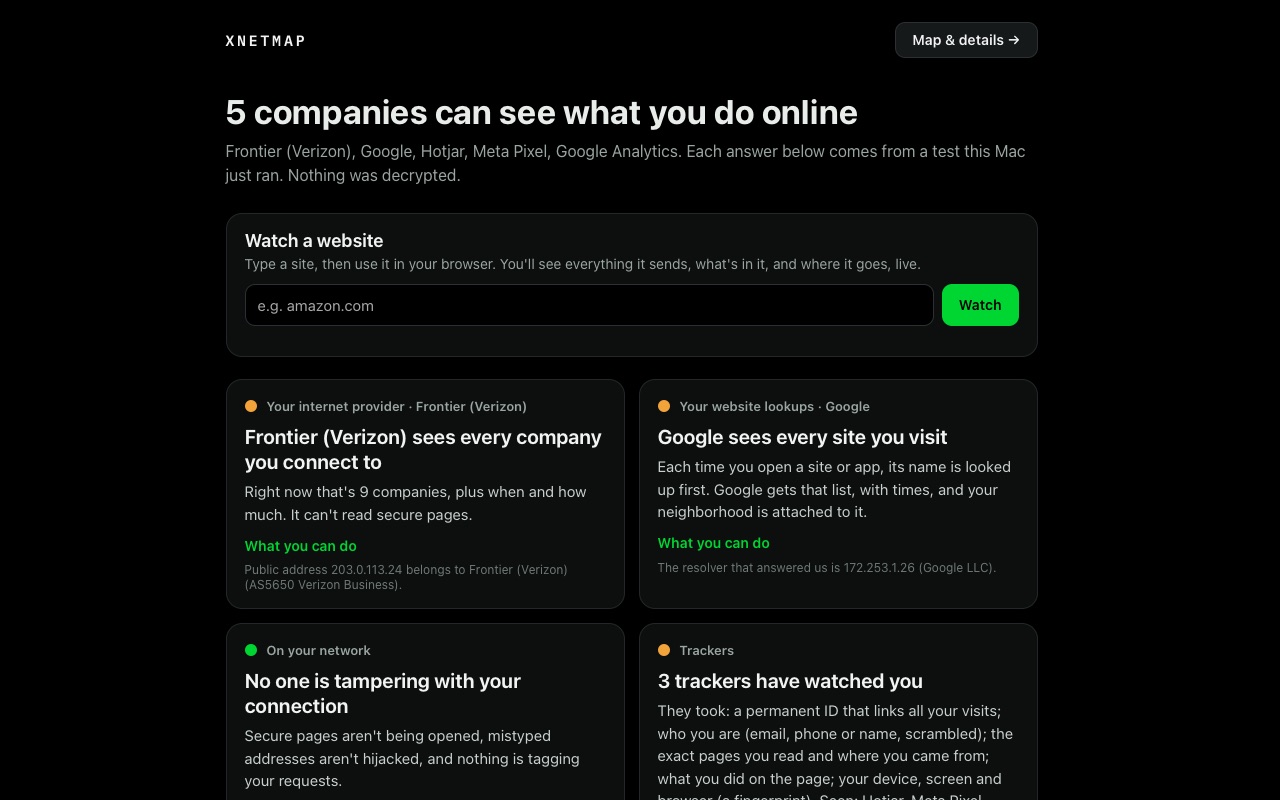
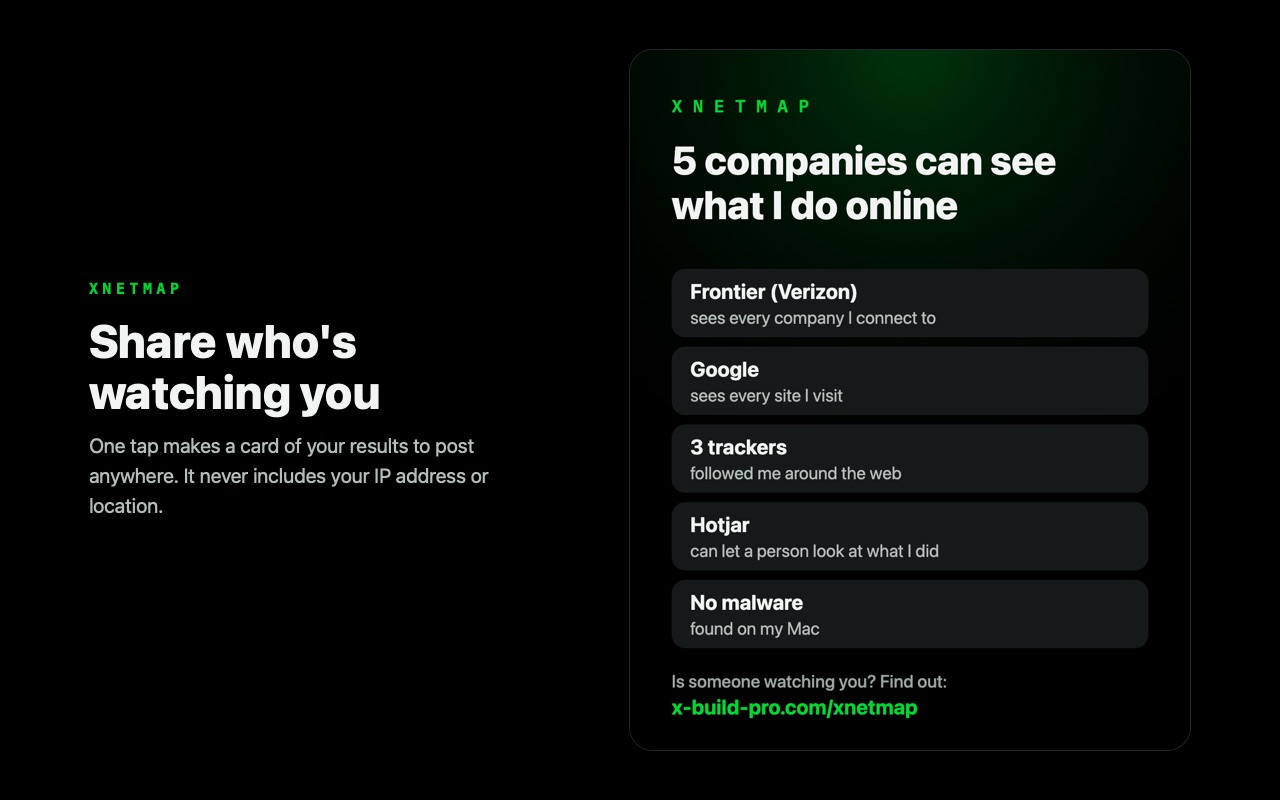
Is someone watching what you do online? Your internet provider, Google and the trackers on almost every site collect it, and some let a person replay your visit, click by click. XNetMap shows you each one, what it took, and how to stop it.
← All appsA look inside.
Real screens from the app.
What it does.
Built around one job, and nothing you'll never use.
Who can see your internet
Your internet provider, whoever answers your website lookups, and anything in the middle. Each answer comes from a test your Mac runs, with the proof.
Is a person watching?
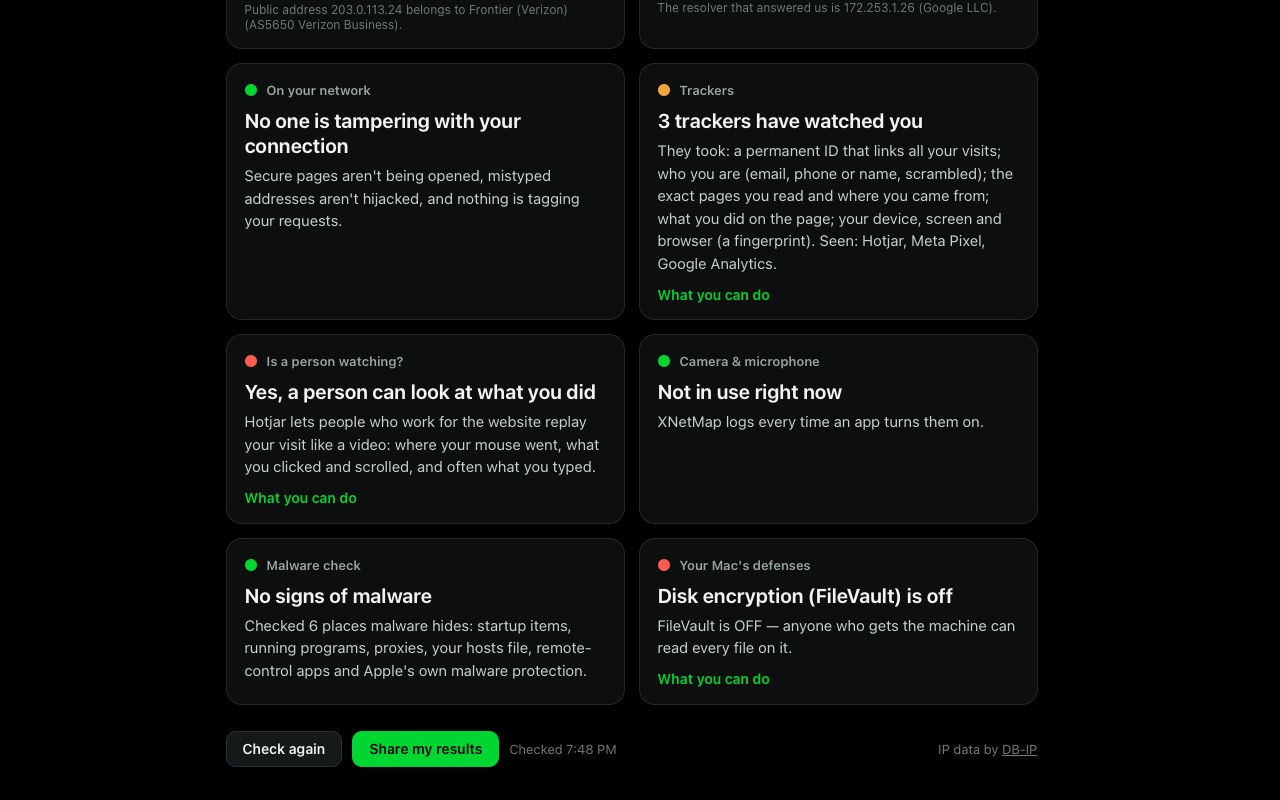
Some trackers let staff replay your visit like a video, and data brokers sell your profile to buyers. XNetMap tells you when a person can look.
What each tracker took
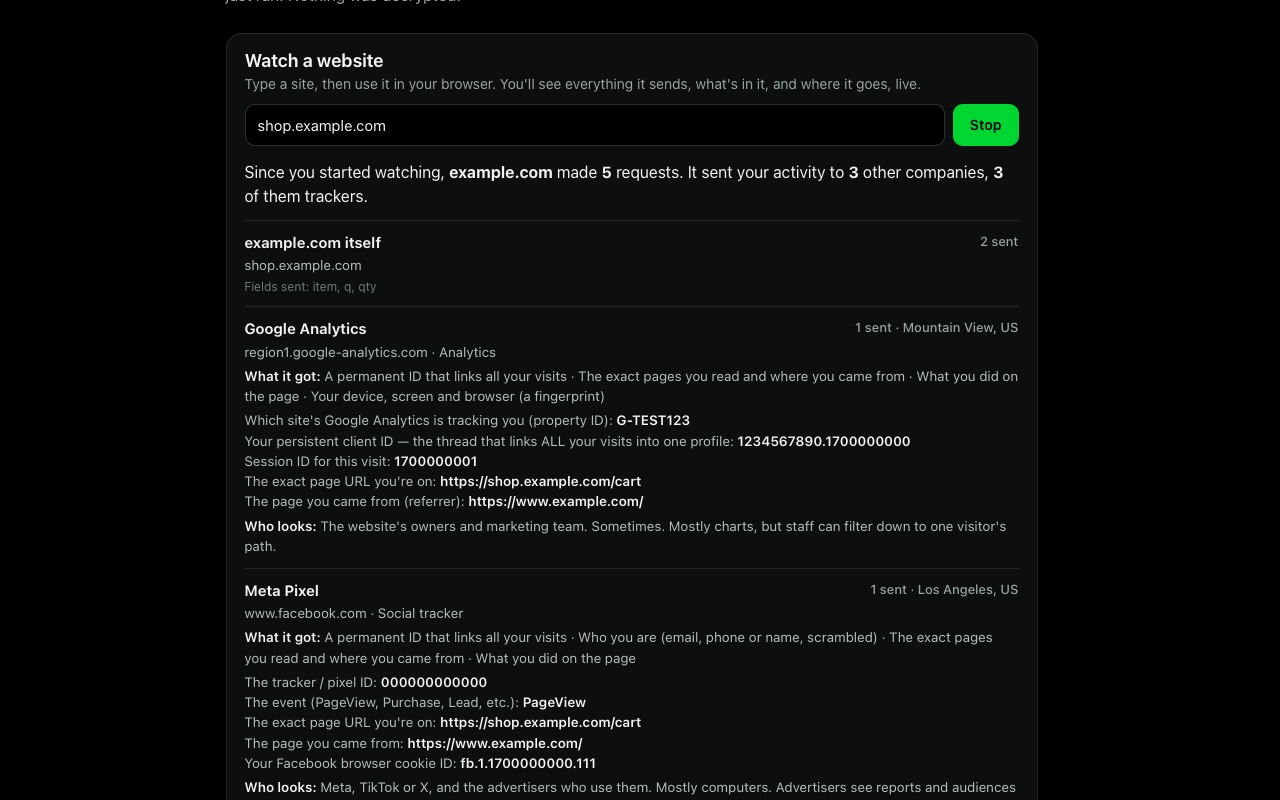
The pages you read, the ID that follows you, your device and sometimes your email, in plain words, captured in your browser before it's encrypted.
A live map of your traffic
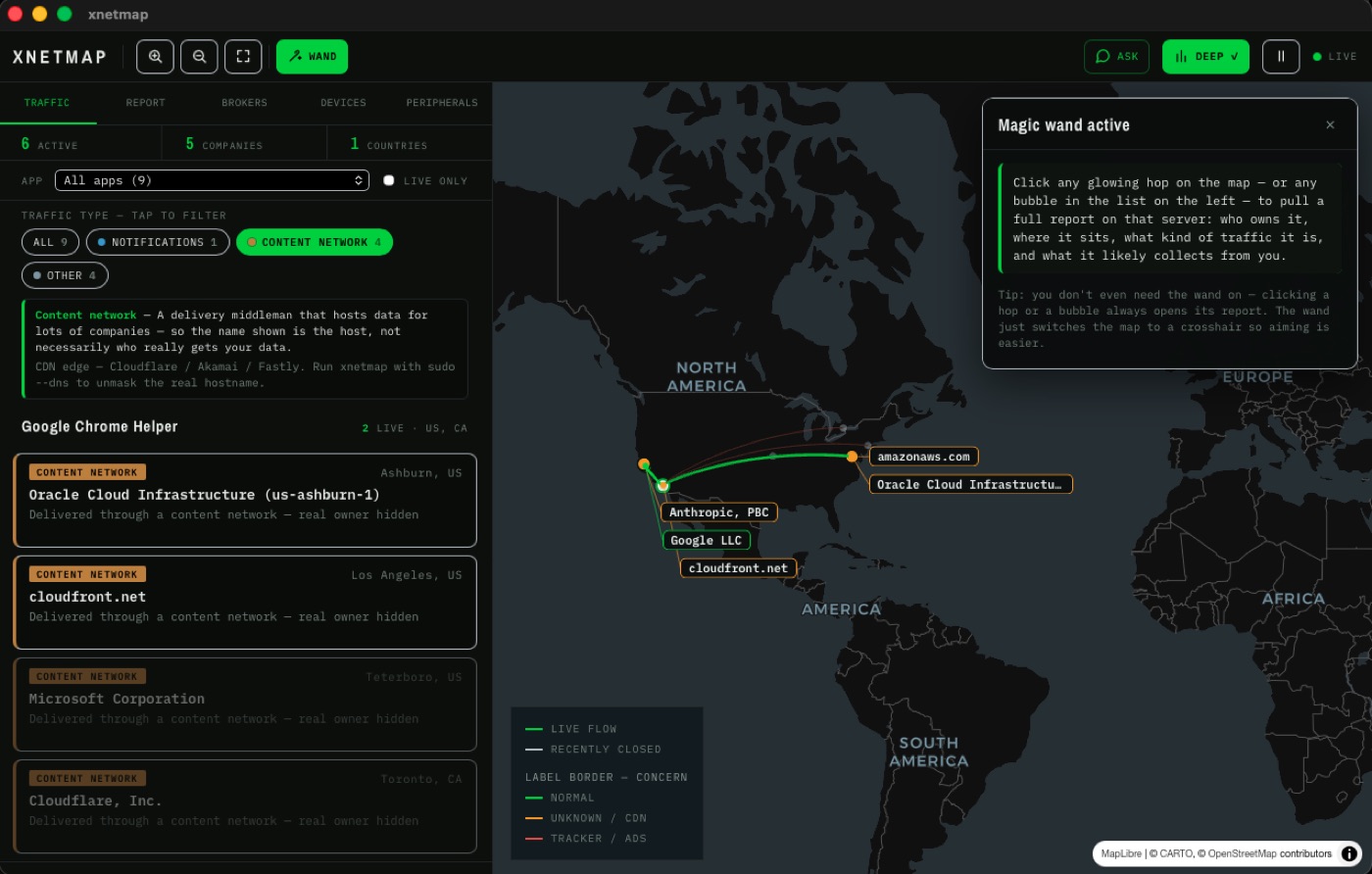
Every connection drawn as it happens, named by the company that owns it.
Camera, mic and screen
See which apps can use them, and get a log of every time they do.
How to stop it
Every finding comes with what you can do: settings to change, opt-outs to use and better options to switch to.
Free to download. Pro is $6.99, once.
The map, the trackers, the privacy score and the camera and mic log are free. XNetMap Pro adds Deep scan, how much data goes to each company, the PDF privacy audit and the auto-updating tracker list. One payment, no subscription.
Get XNetMap →Request early access.
We're letting people in a few at a time. Leave your details and we'll email you when there's a spot, with a sign-in link to download XNetMap.
Already approved? Sign in for downloads.